
QR CODES
Connect printed materials
with a useful webpage.
A QR code can offer a quick route from a business card, sign, or brochure to information on your website.
The destination matters as much as the code. Give people a clear reason to scan and a page that works well on a phone.
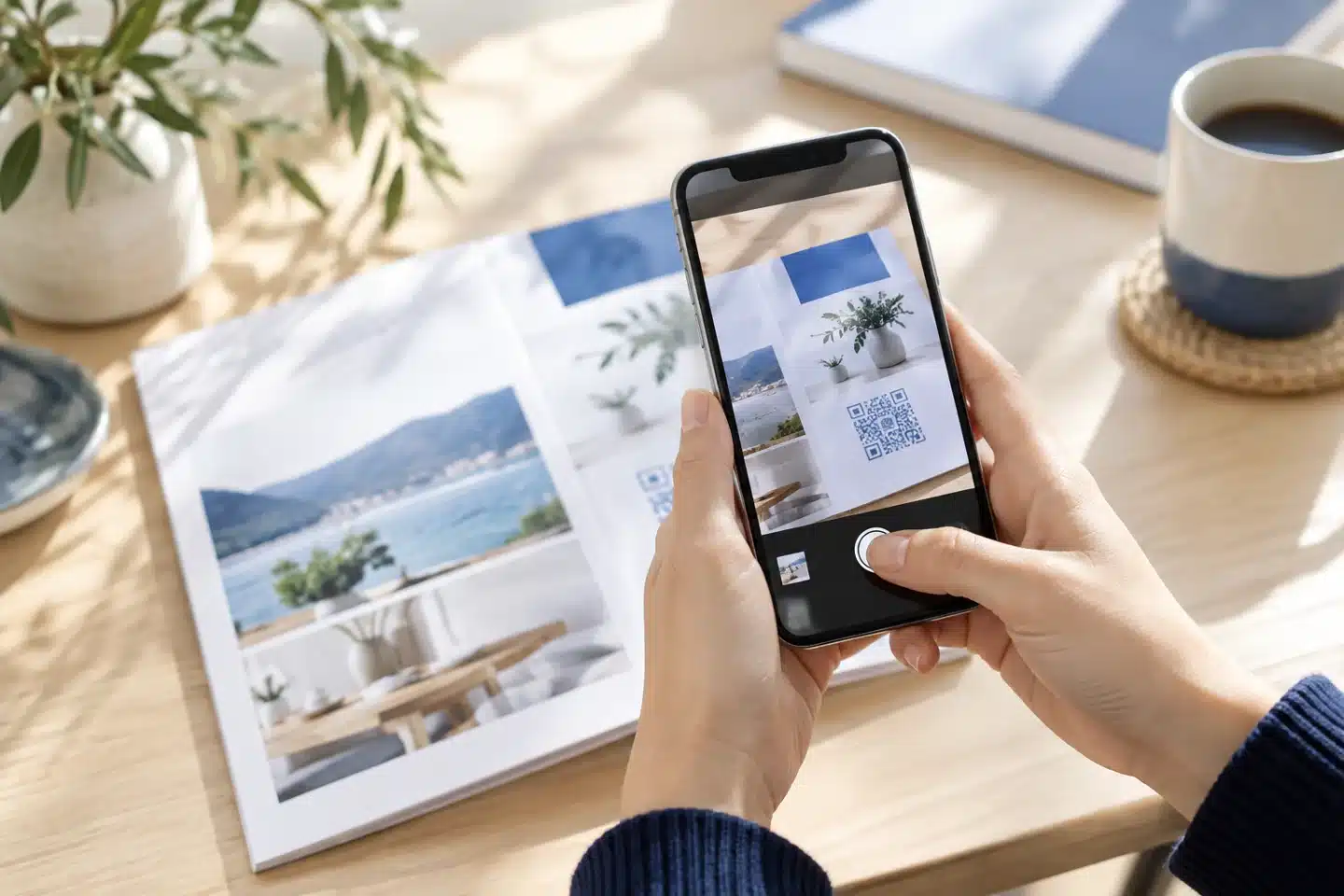
Create a useful bridge between print and your website.
Clear purposeExplain what the scan opens.
Useful destinationMatch the page to the promise.
Tested printCheck the final size and material.
PRACTICAL WEBSITE GUIDANCE
Use QR codes
where they make life easier.
A well-planned code is a shortcut to useful information, not an extra step without a purpose.
Choose a specific destination
Link to the relevant service, menu, event, instructions, or contact page instead of making the visitor search again.
Explain the benefit
Use a short label such as “View our services” or “See project examples” so people know what to expect.
Prepare the mobile page
Keep the destination readable, current, and easy to navigate on a phone. Check that important information is visible.
Keep the print clean
Use strong contrast and clear space around the code. Avoid stretching, crowding, or placing it where glare or folds make scanning difficult.
Test before distribution
Scan the actual printed proof with more than one device and at the intended viewing distance. Confirm the destination opens correctly.
Plan for the long term
A direct code keeps its encoded address. If using a redirect or dynamic-code service, understand who controls it, ongoing costs, and what happens if service ends.
FROM SCAN TO ACTION
Make the destination
worth opening.
A QR code is useful when it saves effort: opening a focused page, showing detailed instructions, or connecting a printed offer with more information.
Also print a readable website address or another contact option. People should have an alternative if they cannot or prefer not to scan. The images on this page illustrate the idea; they are not usable QR codes.
CHECK THE FULL CONNECTION
The promise
What will the person get after scanning?
The page
Does the destination deliver that information?
The action
Is there a useful next step on the page?

Always test the final printed code and its mobile destination.
PUT IT INTO PRACTICE
Choose the page.
Then create the code.
1. Set a clear purpose
Decide what the code should help the customer do and prepare that page first.
2. Design the printed piece
Add a helpful label, clear space, and a readable alternative address.
3. Test and maintain
Check printed proofs before ordering, then keep the destination available and current.
EXPLORE RELATED GUIDES
Keep building
your website knowledge.
Explore these connected topics for practical next steps.
RELATED RESOURCE
Mobile Website Design
Responsive design adapts the layout while keeping important tasks within easy reach.
RELATED RESOURCE
Call To Action
Clear wording, useful placement, and a straightforward process help turn interest into action.
RELATED RESOURCE
Working Your Web
Help people discover the right pages, keep the information current, and make follow-up part of the plan.
YOUR NEXT STEP
Let’s connect your printed materials
with the right webpage.
Talk with Eileen Forte about your website, your priorities, and a practical next step for your business.