
THE NETWORLD
Make your business
easy to find online.
Your website gives customers a dependable place to learn about your business, whether they arrive from a search, a recommendation, or a link on their phone.
Bring your services, experience, and contact details together in a place you control.
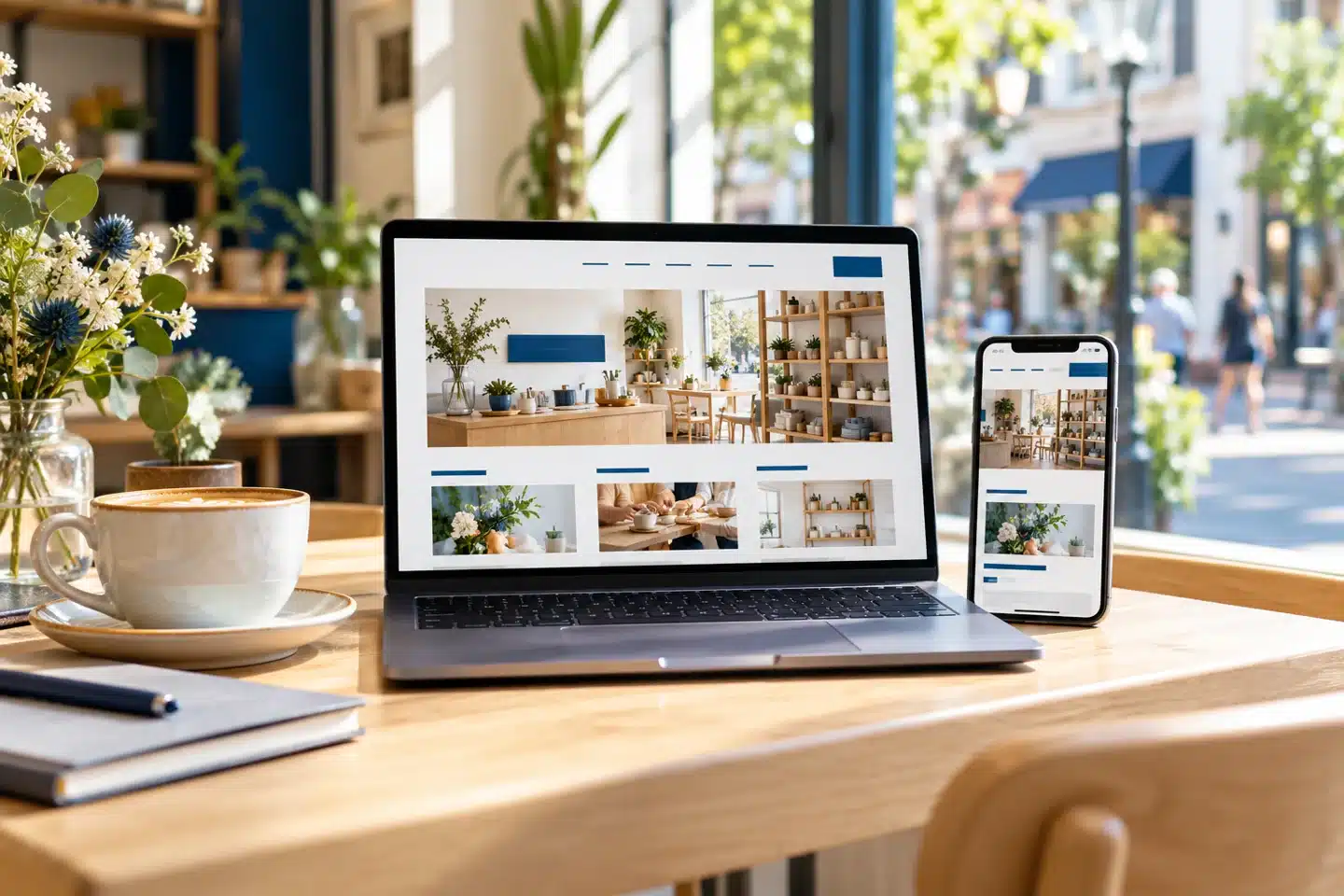
A useful destination for every introduction.
Be discoverableConnect your online presence.
Be understandableAnswer the first questions.
Be approachableMake the next step simple.
PRACTICAL WEBSITE GUIDANCE
A place for your business
in a connected world.
An effective online presence starts with useful information and a website that is easy to navigate.
Give people a clear starting point
Explain what you do and who you help near the top of the page. Visitors should not have to piece your business together from scattered updates.
Connect your other channels
Link your website from business listings, social profiles, email signatures, and printed materials. Send people to the page most relevant to their interest.
Answer before they ask
Include services, areas served, the process, common questions, and contact options. Helpful details let customers decide whether to get in touch.
Show the people behind the work
Use accurate business information, genuine project examples, and an About page that introduces your experience and approach.
Welcome different devices
Make the website comfortable to use on phones, tablets, and computers, with readable text and clear navigation.
Keep information dependable
Review contact details, links, and service information regularly. A current website makes it easier for people to act with confidence.
YOUR ONLINE HOME
One clear message.
Many ways to reach it.
A social profile can introduce your business. A listing can help someone locate you. Your website brings the fuller story together: the services you offer, the work you do, and the reasons someone might choose you.
Start with a manageable set of helpful pages, then add content when it serves a real customer need.
THINK LIKE A FIRST-TIME VISITOR
What is this business?
Make the service and audience clear.
Is it right for me?
Show relevant details and real examples.
How do I get started?
Offer a visible, useful contact option.

Helpful information should travel with your customer.
PUT IT INTO PRACTICE
Build a useful presence.
Keep it connected.
1. Choose your core pages
Begin with clear services, About, examples of your work, and Contact information.
2. Connect the right destinations
Point each profile, email, or promotion to the page that best answers the visitor’s question.
3. Review what customers ask
Use recurring questions to improve your pages and decide what to add next.
EXPLORE RELATED GUIDES
Keep building
your website knowledge.
Explore these connected topics for practical next steps.
RELATED RESOURCE
Representing Your Business
Bring your identity, experience, and customer needs into one consistent design.
RELATED RESOURCE
Mobile Website Design
Responsive design adapts the layout while keeping important tasks within easy reach.
RELATED RESOURCE
Search Rankings
There is no guaranteed position. Focus on accurate information, useful pages, and steady improvement.
YOUR NEXT STEP
Ready to give your business
a useful home online?
Talk with Eileen Forte about your website, your priorities, and a practical next step for your business.